
PAC-PELVIC manual
Kegel exercises
Guided exercises with a timer, records and consistency charts.
Before you start
Each module has a navigation bar at the bottom: Home, Records, Charts, Reports and Settings (in Kegel, Exercises). The ? icon at the top opens help and this manual.
In this guide
1Choosing and doing the exercise
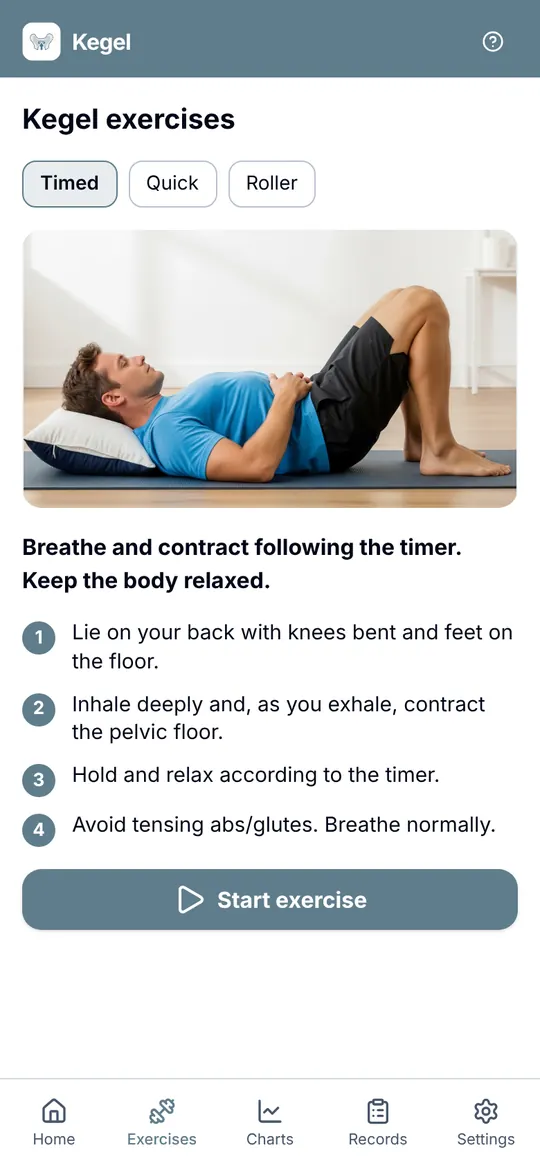
Choose Timed, Quick or Roller, read the instructions and tap Start exercise.
The timer marks each phase (breathe in, contract, rest…) with a sound. You can Pause, Resume or Restart. The screen stays on during the session.
If you tap Cancel after starting, the session is saved with the time done, as in PAC-SALUT.
2Records
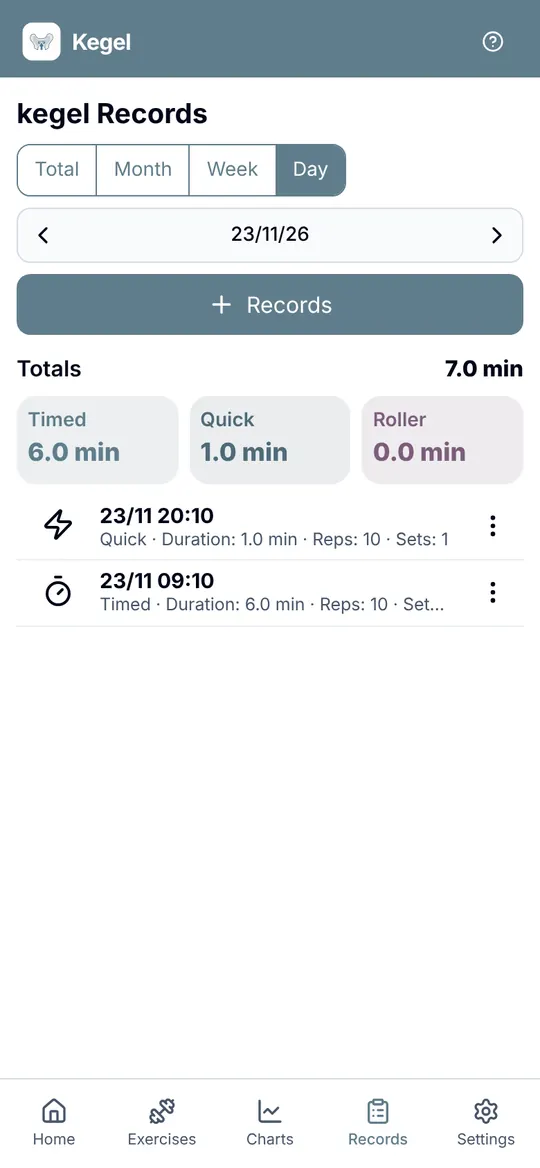
Filter by Total, Month, Week or Day and see the minutes per type. + Records adds a session you did without the app.
3Charts
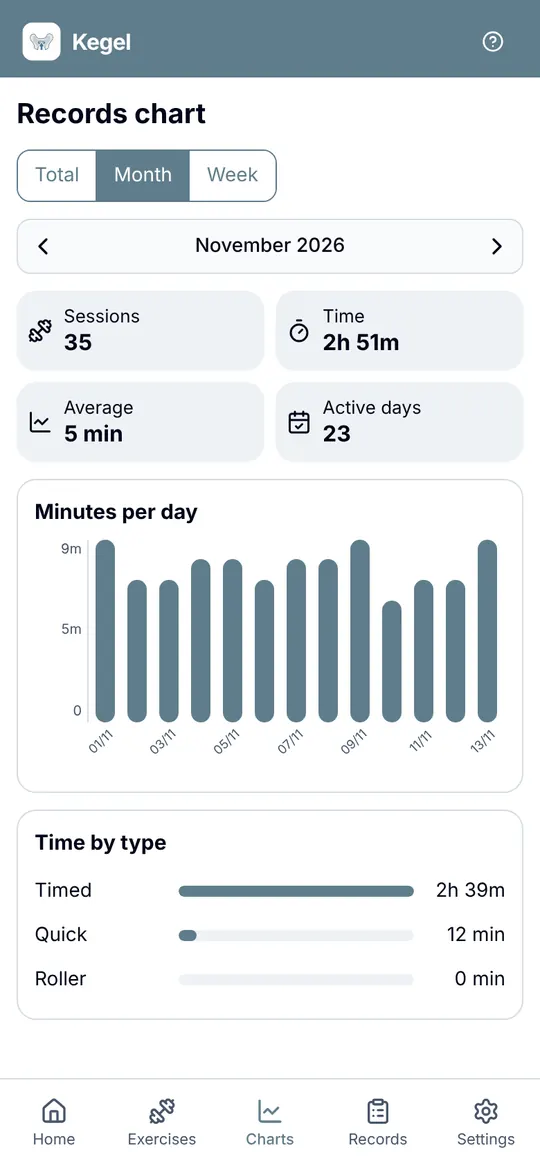
Sessions, total time, average and active days in the period, minutes per day and time per type.
4Settings
In Settings you change the seconds of each phase (breathe in, contract, breathe out, relax, rest) and the cycles of the timed and quick exercises.